

Product · AmwalPay Online Payments
Send a card checkout link inside the chat, get paid in Omani Rial
Native AmwalPay card checkout and automated invoices in WhatsApp — the customer pays without leaving the conversation, and the payment is confirmed by a signed callback, not a screenshot.
Payments in OMR · card and bank transfer · no screenshot forensics
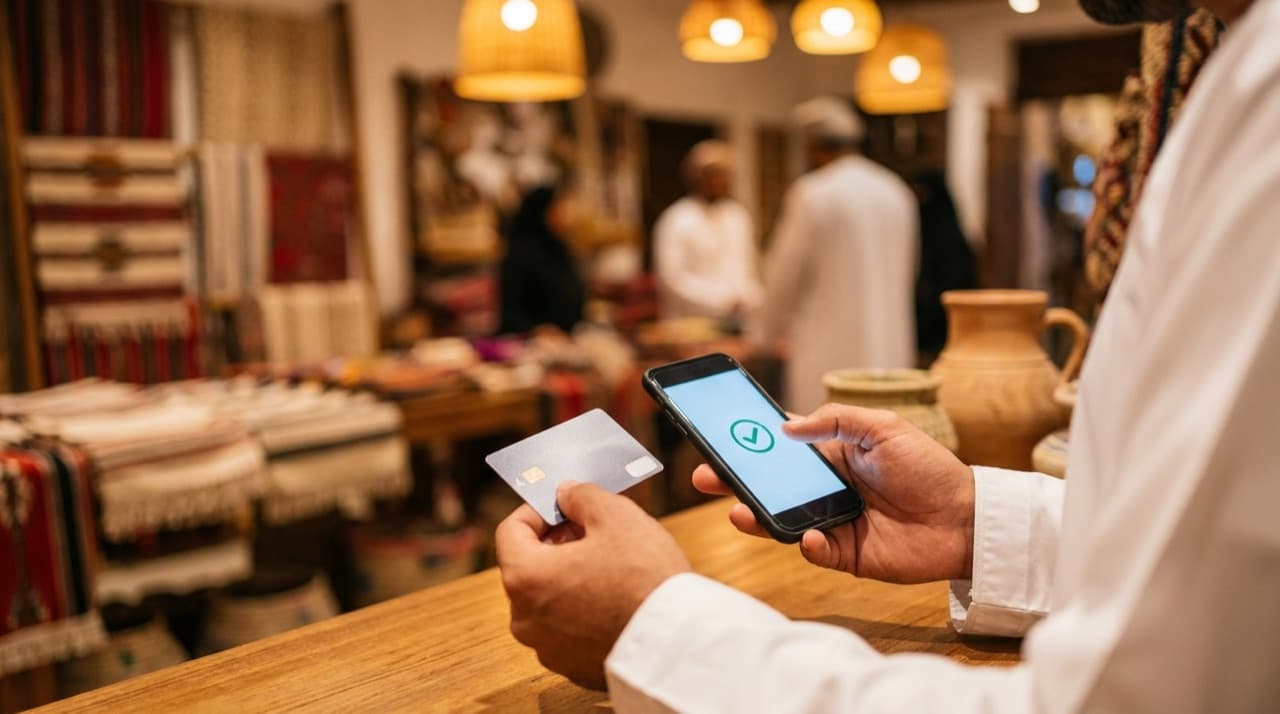
Collect Payments in WhatsApp with Instant Verified PDF Invoices
Central Bank of Oman compliant payment links via AmwalPay with local debit card (OmanNet), Apple Pay, and instant receipt dispatch.
Invoice #FZ-9821
Fizmoh Cloud Billing · MuscatTax_Invoice_FZ9821.pdf
124 KB · Verified Oman QR StampInstantly upon confirmation, the customer receives their official stamped PDF receipt with compliance QR code directly on their WhatsApp.
What goes wrong today
Verifying transfers by screenshot
Staff squint at a blurry receipt image, check it against the bank app, and hope it is not edited. It does not scale and it is not safe.
Customers drop off at the redirect
Send someone from a warm WhatsApp chat to a separate payment website and a share of them never come back.
The payment is disconnected from the order
Money lands in the bank, the order sits in another system, and someone reconciles the two by hand at the end of the day.
What you can do with it
A pay-now link for an order
Turn a confirmed order into a card checkout link the customer taps and completes inside WhatsApp, in OMR.
A deposit link to hold a booking
Take a partial payment to confirm an appointment, a table or a tour seat, and record it against the booking.
Automated invoices with a due date
Issue an invoice in the conversation, with the balance and due date, and a reminder before it lapses.
Reconciliation that happens itself
When AmwalPay's signed callback confirms the payment, the order is marked paid automatically — no manual matching.
Bank transfer as a fallback
Customers without a card can still pay: they upload a receipt in the chat and your staff verify it against the order.
How it works
- 01
Create the order or invoice in the chat
Build it from the conversation — items, amount, due date — so the payment request and the order are the same record.
- 02
The customer taps the AmwalPay link
A hosted card checkout opens in OMR. They pay without installing anything or leaving the conversation for long.
- 03
A signed callback confirms it
AmwalPay sends back a cryptographically signed result. That — not a screenshot — is what marks the payment received.
- 04
The order updates and a receipt is sent
The order status changes to paid on its own, and the customer gets a receipt in the same conversation.
See Fizmoh in Action: 5 Core Workflows
Experience how modern GCC businesses handle customer chats, digital QR dining, Arabic conversational AI, Google review replies, and instant card payments.

Feature by feature, and what it changes
| Capability | What it changes for the business |
|---|---|
| In-chat card checkout | Fewer drop-offs than sending the customer to a separate site and hoping they return. |
| Signed-callback verification | No staff time spent inspecting receipt images, and no edited screenshot gets through. |
| Automatic reconciliation | The order marks itself paid, so the end-of-day matching job disappears. |
| OMR-native pricing | Customers see the amount in the currency they think in, with no conversion surprise. |
| Invoice automation | Deposits and balances are chased by the system, not by a person on the phone. |
| Bank-transfer path with receipt upload | Customers who do not use cards are still served, with a verification step your staff control. |
The shape of it
- OMR
- native checkout currency
- 0
- screenshots needed to verify a card payment
- Signed
- cryptographic callback on every card payment
- 2
- payment methods: card and bank transfer
Proof
TODO: replace with real client quote — an owner describing the change from verifying transfer screenshots to automatic confirmation.
TODO: replace with real client quote — a finance lead describing what auto-reconciliation did to the end-of-day close.
The quotes below are placeholders until real, attributable client quotes replace them. The logo wall is the delivery team's client history — see the note on it.
Our proud clients
Trusted by 40+ brands in Oman
Built by Fizmoh.cloud — the team that has delivered digital work for these organisations across Oman and the GCC.

































Questions people ask
See it on your own number
Start a free 14-day workspace and connect your WhatsApp Business number in about a minute — or book a live Google Meet walkthrough first.